> For the complete documentation index, see [llms.txt](https://docs.vega365.com/llms.txt). Markdown versions of documentation pages are available by appending `.md` to page URLs; this page is available as [Markdown](https://docs.vega365.com/redundancy-management-framework/user-manual/configuration-dashboard/delete-camera.md).
# Delete Camera
Keep Both Sides Tidy Automatically
## Introduction
Available in **both Auto (Pair Servers)** *and* **Manual (Map Cameras)** modes, the **Delete Camera** block ensures that device removals are mirrored across your redundant estate:
* **Backup mode:** Drop a camera from a **Primary**, and the same device is removed from its linked **Secondary**, releasing the RMF licence.
* **Restore mode:** Deleting the camera on the **Secondary** erases it from its one-to-one paired Primary as soon as the Primary reconnects.
No orphaned devices, no wasted licences, and no manual clean-up.
## Scope
The feature is limited to RMF-licensed cameras.
## Enable
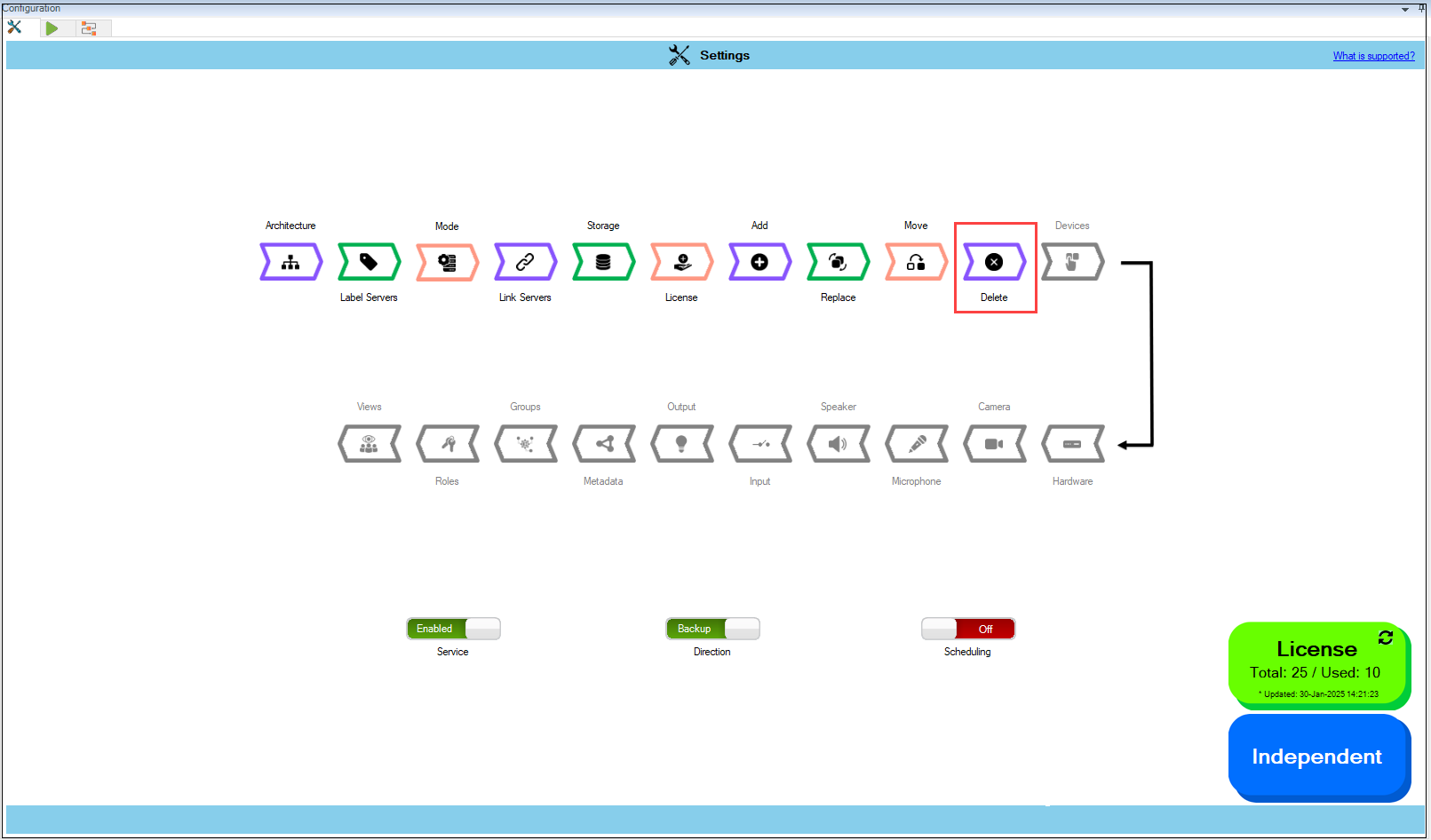
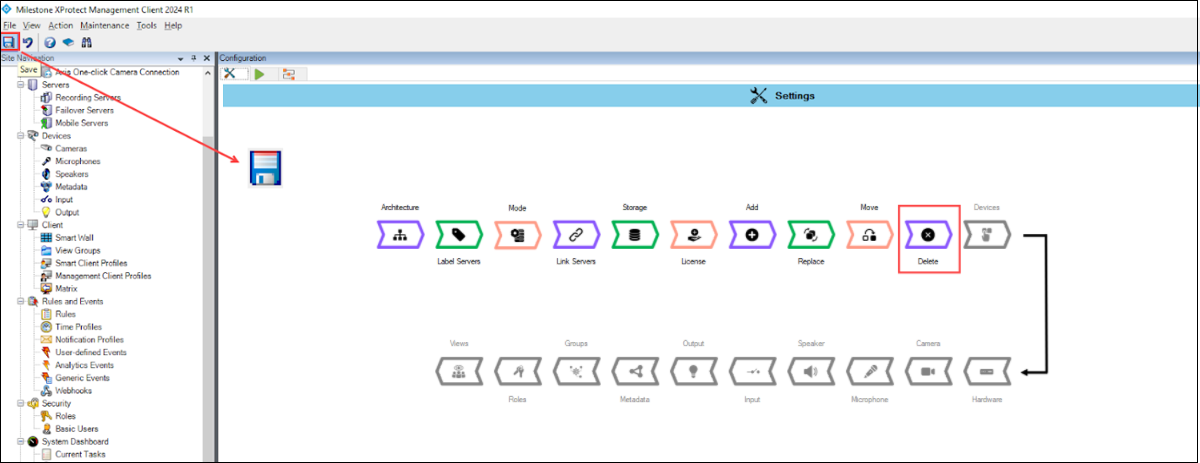
1. Click the **Delete** block.
Delete Option
{% hint style="info" %}
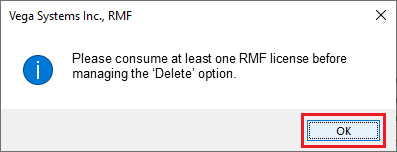
**Note:** The RMF system must consume and manage at least one license. Otherwise, the following screen will appear.
{% endhint %}
Delete Camera—Note
{% hint style="success" %}
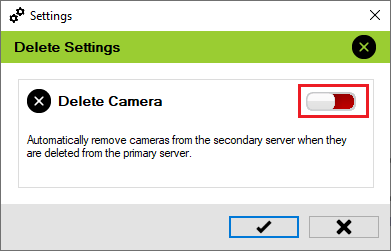
**Step Result:** The **Delete Settings** dialog box appears.
{% endhint %}
Delete Toggle—Disabled
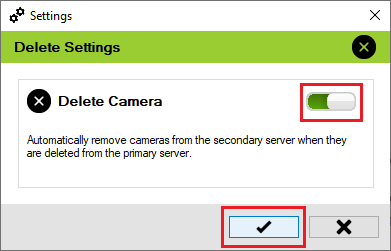
2. Move the toggle button to enable and click the **Save** icon.
Delete Toggle—Enabled
3. Click **Save** in the Milestone toolbar to save the changes.