> For the complete documentation index, see [llms.txt](https://docs.vega365.com/llms.txt). Markdown versions of documentation pages are available by appending `.md` to page URLs; this page is available as [Markdown](https://docs.vega365.com/redundancy-management-framework/user-manual/configuration-dashboard/server-labeling.md).

# Server Labeling

Label the recorders as Primary or Secondary.

## Introduction

Before RMF can do anything, it needs to identify which recorders are the **primaries** (the “live” capture points) and which are the **secondaries** (the backups). During the *Server Labeling* step, you tag each recorder as either **Primary** or **Secondary**. RMF then builds its device list exclusively from these labeled servers; anything left untagged is treated as out of scope, and its cameras never appear in the UI or participate in synchronization or failover. In short, *no label, no redundancy*—so be sure every recorder that should participate is labeled before you move on to pairing.

## Prerequisite

Complete [Architecture Selection](https://docs.vega365.com/redundancy-management-framework/user-manual/configuration-dashboard/architecture-selection.md)

## Label the Servers

Follow these steps to label the servers.

{% hint style="info" %}
**Note:** RMF needs a minimum of two recording servers for labeling.
{% endhint %}

1. Select **Label Servers**.

<figure><img src="https://73860689-files.gitbook.io/~/files/v0/b/gitbook-x-prod.appspot.com/o/spaces%2FK95oxUATgzuZZ2VhRoDw%2Fuploads%2F3xKpqYf4EIReq88DR24x%2FLabelServer.png?alt=media&amp;token=944abab0-7d44-44ba-a283-c09fefe96b9c" alt=""><figcaption><p>Label Servers</p></figcaption></figure>

{% hint style="success" %}
**Step Result:** The Data Refresh Tool Dialog box appears.
{% endhint %}

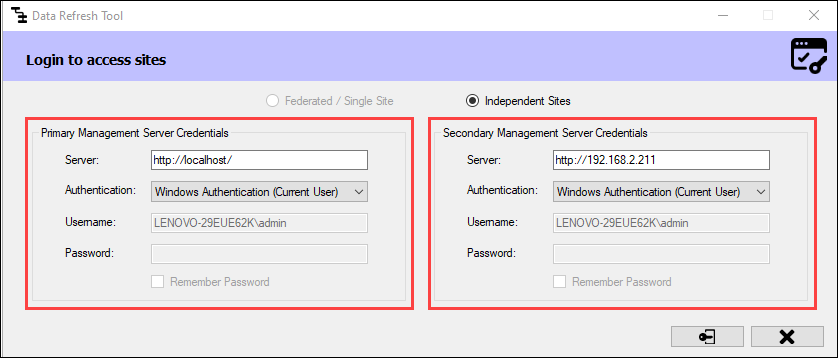
a. For an **Independent** architecture, the following screen appears:

<figure><img src="https://content.gitbook.com/content/K95oxUATgzuZZ2VhRoDw/blobs/Sx7S3TMVl7Ni73qDLE8W/Login.png" alt="" width="563"><figcaption><p>Login Screen—Independent</p></figcaption></figure>

{% hint style="info" %}
**Note:** You must log in with administrator privileges.
{% endhint %}

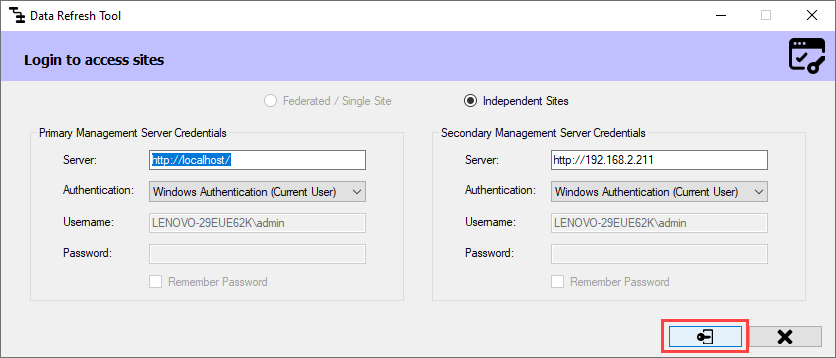
Click **Connect** at the bottom right corner of the screen to continue.

<figure><img src="https://content.gitbook.com/content/K95oxUATgzuZZ2VhRoDw/blobs/JmYlwtOLz1IOXhj6w5Gw/Connect.png" alt="" width="563"><figcaption><p>Connect Option—Independent</p></figcaption></figure>

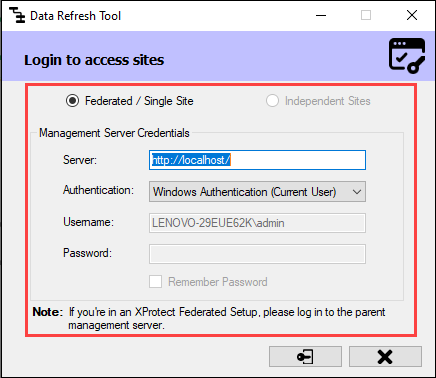
b. For **Federated/Single Site**, the following screen appears:

<figure><img src="https://content.gitbook.com/content/K95oxUATgzuZZ2VhRoDw/blobs/tLKCBFzUmEX3b8cHf8Lp/Login2.png" alt="" width="375"><figcaption><p>Login Screen—Federated/Single Site</p></figcaption></figure>

{% hint style="info" %}
**Note:** If your XProtect architecture is Federated, you must log in to the **Parent Management**  \
**Server**.&#x20;
{% endhint %}

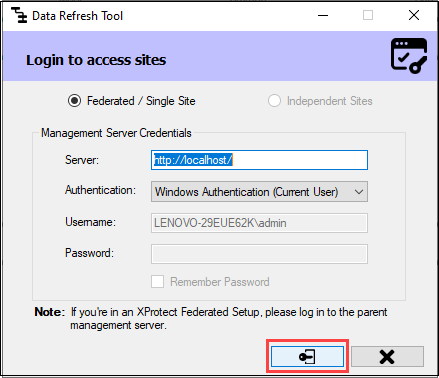
Click **Connect** at the bottom right of the screen to continue.

<figure><img src="https://content.gitbook.com/content/K95oxUATgzuZZ2VhRoDw/blobs/eaTsNAPJQAOicrN9RtVQ/Connect3.png" alt=""><figcaption><p>Connect Option—Federated/Single Site</p></figcaption></figure>

{% hint style="success" %}
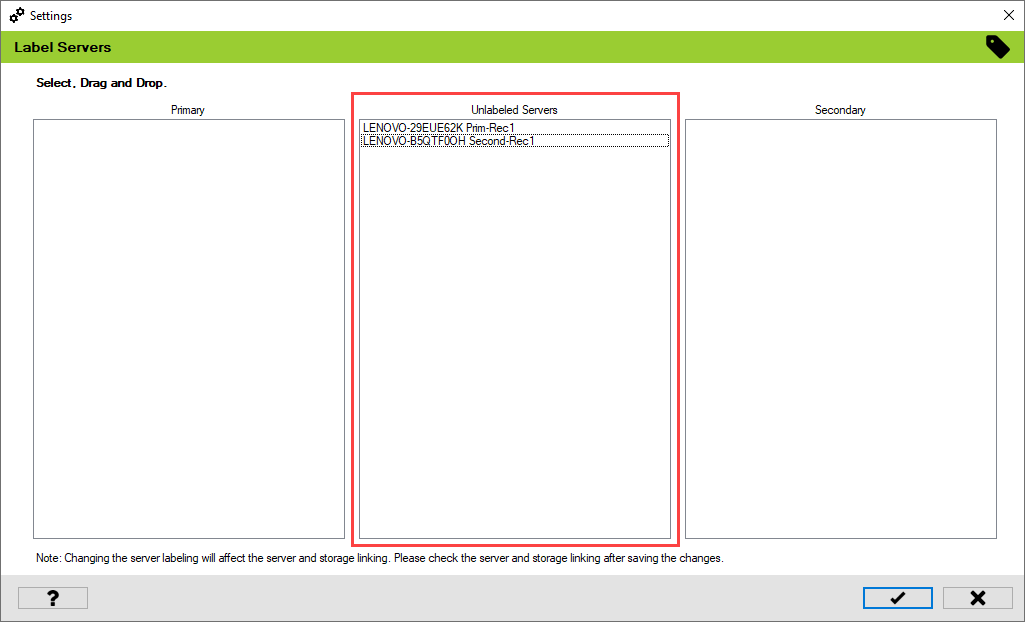
**Step Result:** The Unlabeled Servers section lists all the recording servers on both primary and secondary sites.
{% endhint %}

<figure><img src="https://content.gitbook.com/content/K95oxUATgzuZZ2VhRoDw/blobs/YuNdOEuK8dD9zfV2UeOx/Unlabeled.png" alt=""><figcaption><p>Unlabeled Servers</p></figcaption></figure>

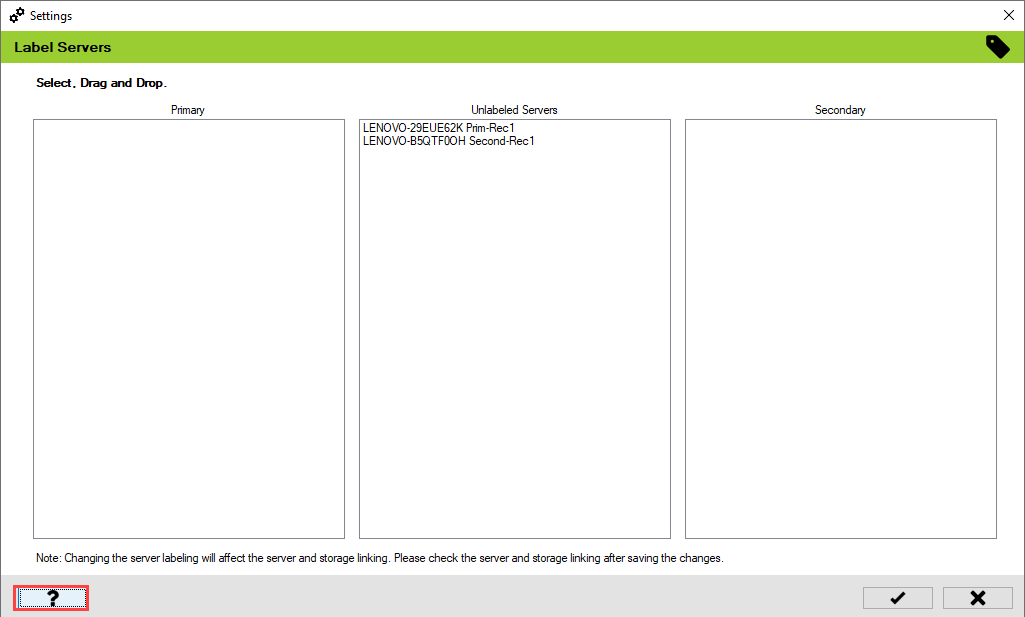
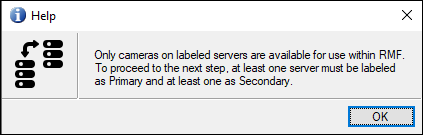
2. For more details, click the **Help** icon in the bottom left corner.

<figure><img src="https://content.gitbook.com/content/K95oxUATgzuZZ2VhRoDw/blobs/gXpUrgZFE73Qqj9BhTn4/Help%20icon.png" alt=""><figcaption><p>Help Icon</p></figcaption></figure>

<figure><img src="https://content.gitbook.com/content/K95oxUATgzuZZ2VhRoDw/blobs/YAMuOkfivjteQWnGQw4S/HelpDescription.png" alt=""><figcaption><p>Help Description</p></figcaption></figure>

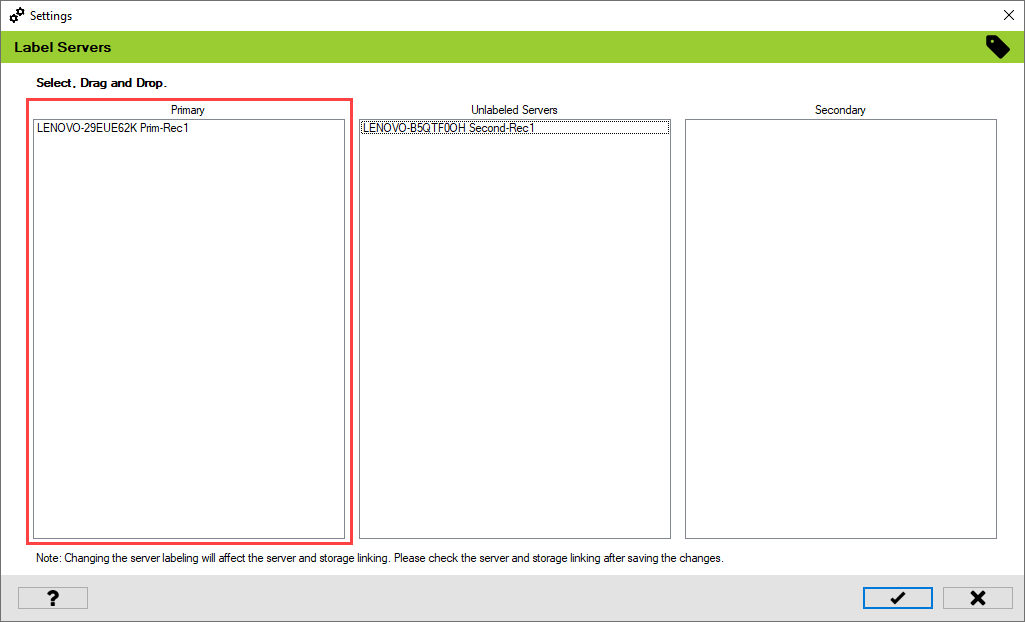
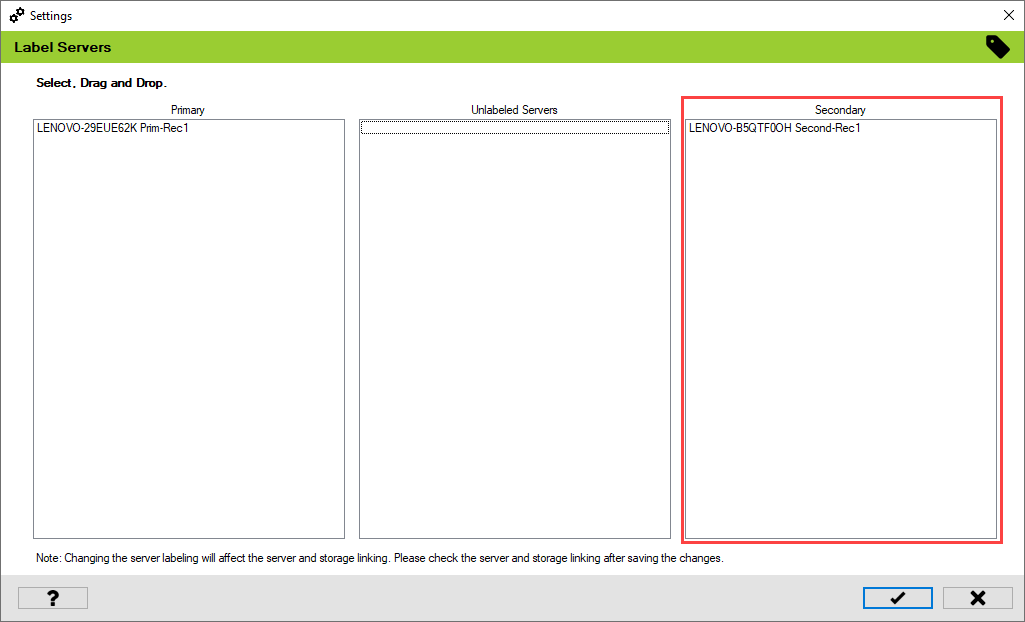
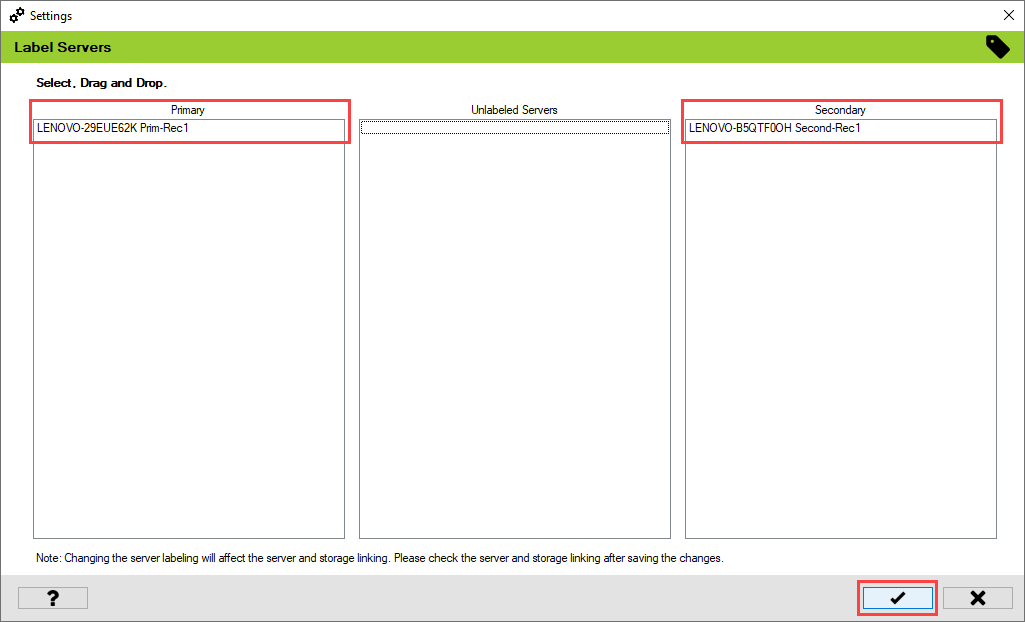
3. Label at least one server as Primary and another server as Secondary.

{% hint style="info" %}
**Note:** You must select and drag and drop the recording servers to classify them as \
Primary and Secondary.
{% endhint %}

<figure><img src="https://content.gitbook.com/content/K95oxUATgzuZZ2VhRoDw/blobs/vitOSkKei0LNzw6pguHx/Primaryrec1.png" alt=""><figcaption><p>Primary Recording Server </p></figcaption></figure>

<figure><img src="https://content.gitbook.com/content/K95oxUATgzuZZ2VhRoDw/blobs/0GDejWezwQcqn1P1NPxB/SecondaryRec1.png" alt=""><figcaption><p>Secondary Recording Server</p></figcaption></figure>

4. Click the **tick mark** at the bottom of the screen to save the changes.

<figure><img src="https://content.gitbook.com/content/K95oxUATgzuZZ2VhRoDw/blobs/w6RmiAXWo7qDFcsCDzOz/Saveicon.png" alt=""><figcaption><p>Save Icon</p></figcaption></figure>

&#x20;5\. Click **Save** in the Milestone toolbar to save the changes.

<figure><img src="https://73860689-files.gitbook.io/~/files/v0/b/gitbook-x-prod.appspot.com/o/spaces%2FK95oxUATgzuZZ2VhRoDw%2Fuploads%2F3xKpqYf4EIReq88DR24x%2FLabelServer.png?alt=media&amp;token=944abab0-7d44-44ba-a283-c09fefe96b9c" alt=""><figcaption><p>Save Icon—Milestone Toolbar</p></figcaption></figure>