> For the complete documentation index, see [llms.txt](https://docs.vega365.com/llms.txt). Markdown versions of documentation pages are available by appending `.md` to page URLs; this page is available as [Markdown](https://docs.vega365.com/redundancy-management-framework/user-manual/configuration-dashboard/set-synchronization-direction/backup-mode.md).
# Backup Mode
Switch to Backup Mode.
In this mode, the RMF SmartSync service copies changes from the primary site to the secondary site. During the initial configuration, set the sync direction to Backup Mode.
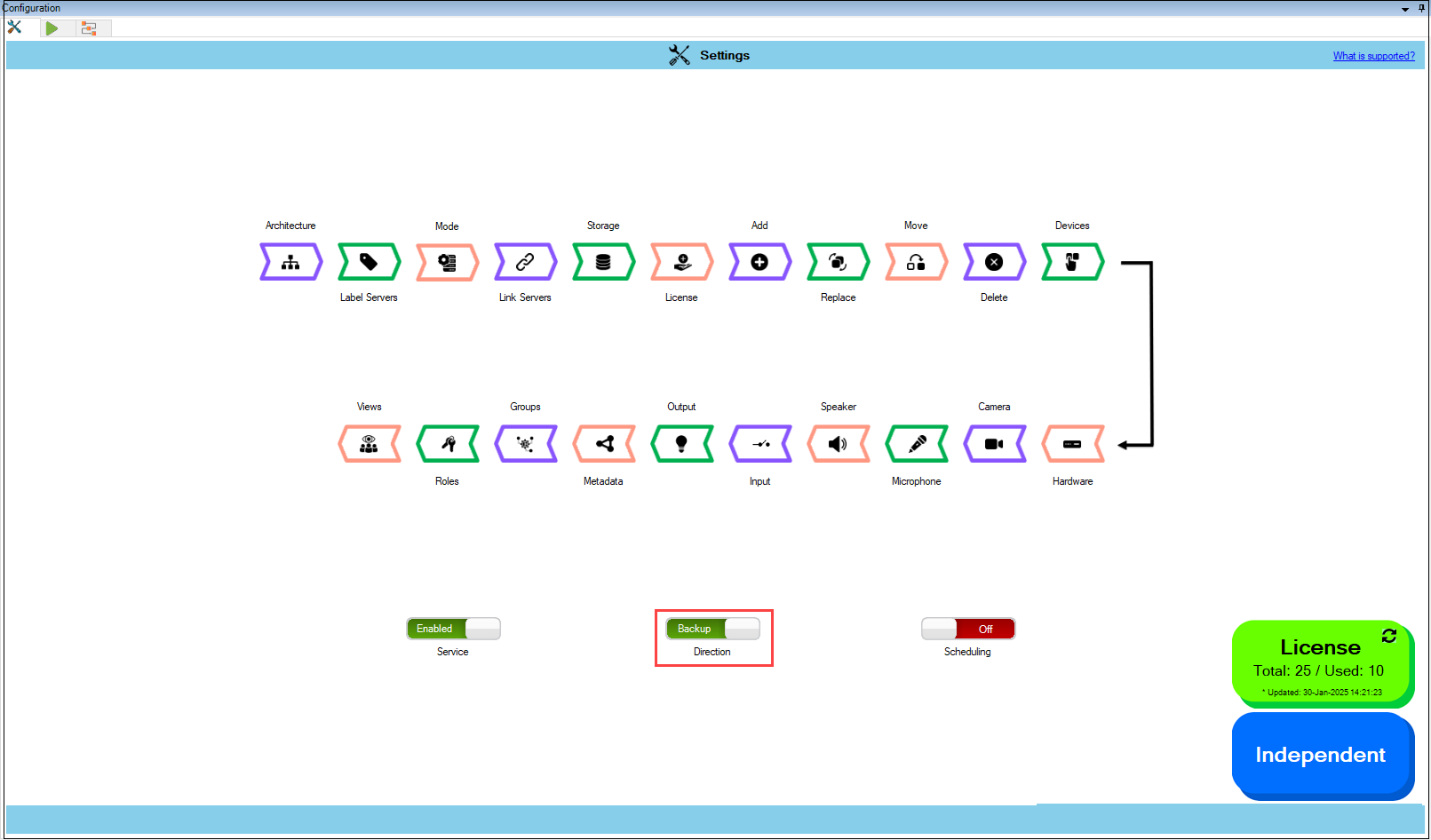
1. Move the **Direction** toggle button to display green.
Switch to Backup
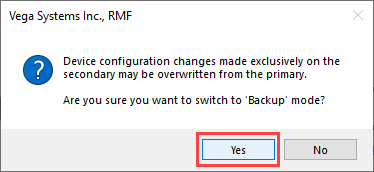
2. Click **Yes** when the confirmatory dialog box appears.
Confirmatory Dialog Box
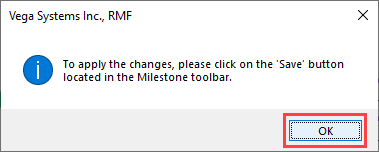
3. Click **OK** when the confirmatory dialog box appears.
Confirmatory Dialog Box
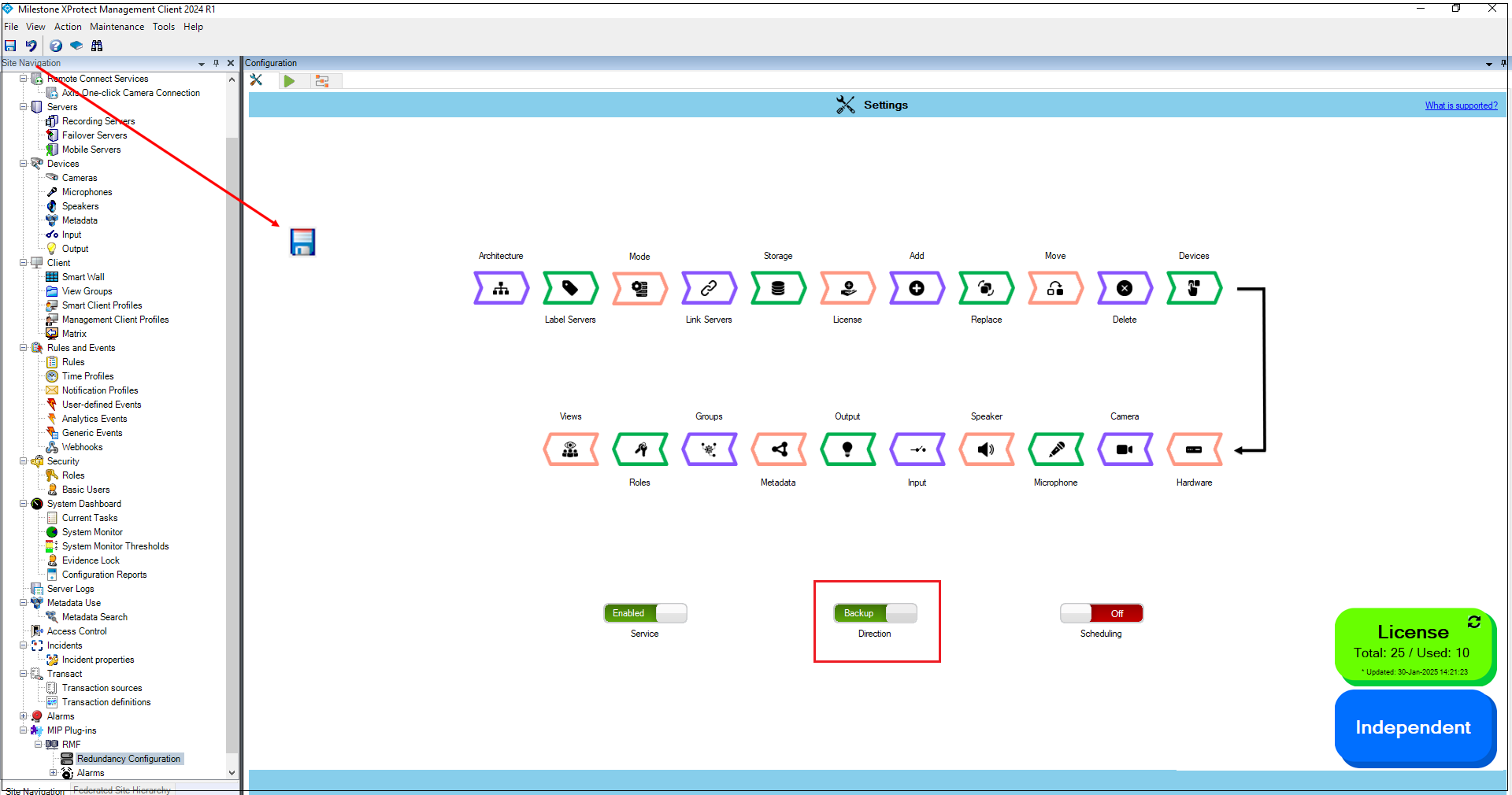
4. Click **Save** in the Milestone toolbar to save the changes.