> For the complete documentation index, see [llms.txt](https://docs.vega365.com/llms.txt). Markdown versions of documentation pages are available by appending `.md` to page URLs; this page is available as [Markdown](https://docs.vega365.com/redundancy-management-framework/user-manual/configuration-dashboard/set-synchronization-direction/restore-mode.md).
# Restore Mode
Switch to Restore Mode.
RMF offers a Restore Mode, in which the RMF SmartSync service copies changes from the secondary site to the primary site. The Restore Mode is a convenient feature that can save administrators time in various scenarios, such as:
* Administrators can restore deleted devices, roles, views, and groups on the primary site if accidentally deleted.
* Admin can quickly fix misconfigurations on the primary site.
* In cases where XProtect is Federated or Independent, and the primary site has been offline, users may have made changes directly on the secondary site. Restore Mode allows the administrator to restore those changes from the secondary site to the primary, ensuring flexibility in management.
To switch to Restore mode, perform the following steps:
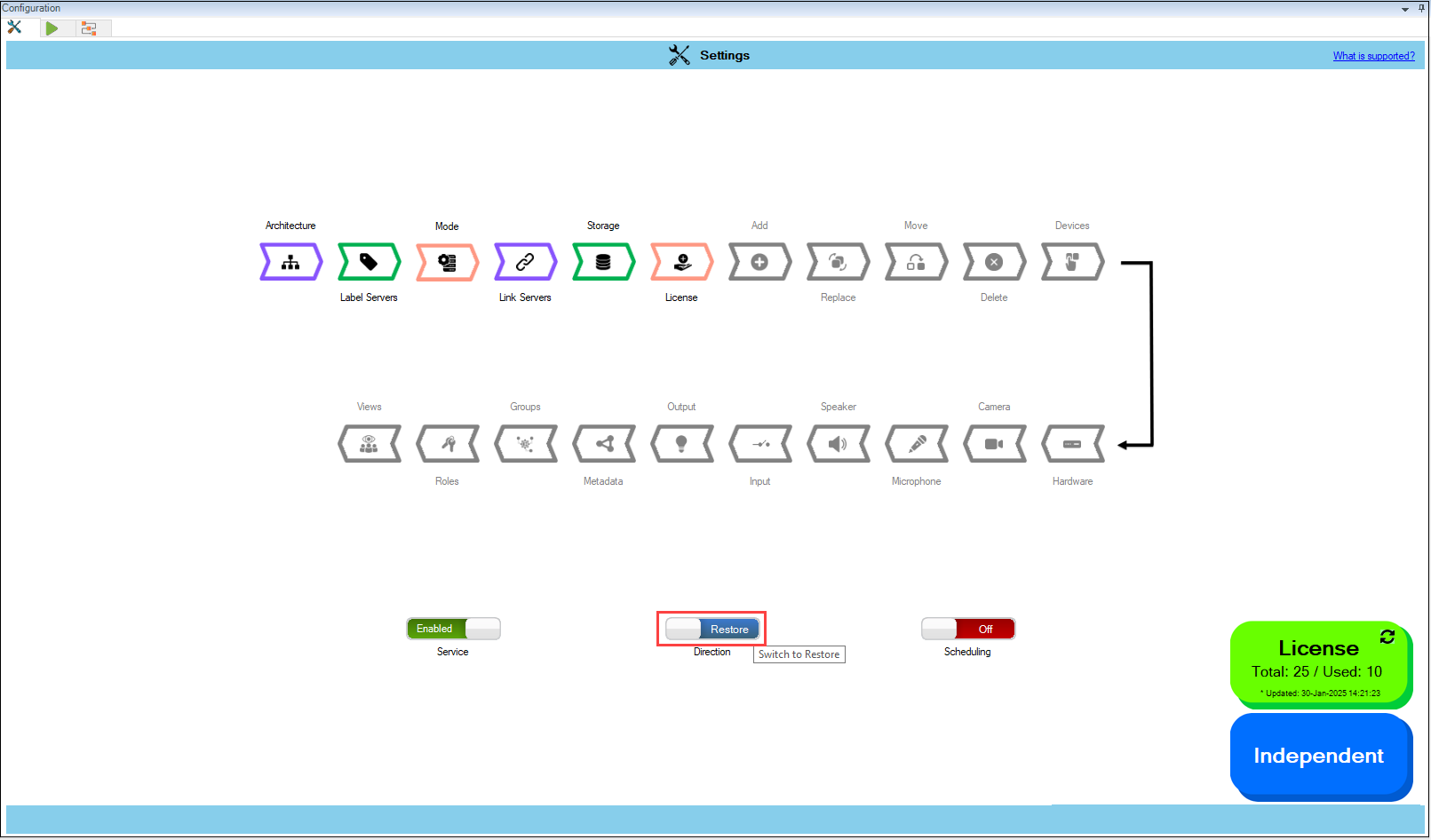
1. Move the **Direction** toggle button at the bottom to display blue.
Switch to Restore
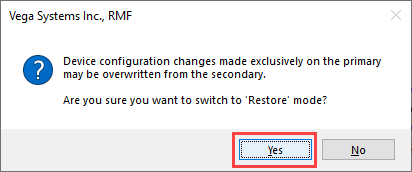
2. Click **Yes** when the following pop-up screen appears.
Confirmatory Pop-up Screen
{% hint style="warning" %}
**Warning:** During the first synchronization run in Restore mode, configurations on the primary site that have not been backed up to the secondary site will be overwritten by the secondary site's settings. For example, if synchronization is scheduled to occur once daily, and the user switches to Restore mode after one of these cycles, any changes made on the primary site between cycles—such as modifying streaming parameters, altering views, device groups, or roles on RMF licensed cameras—will be replaced by the configurations from the secondary site.
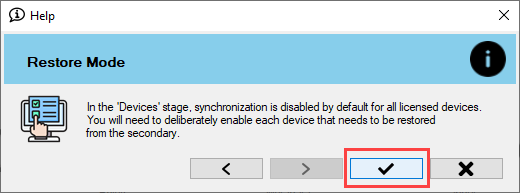
As a precaution, all RMF-licensed devices are unselected by default each time the user moves to Restore mode. Users must manually select the devices they wish to synchronize when switching to Restore mode.
{% endhint %}
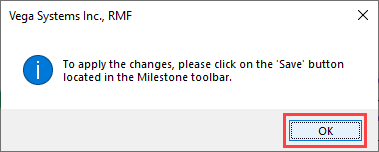
3. Click **OK** when the confirmatory pop-up screen appears.
Confirmatory Dialog Box
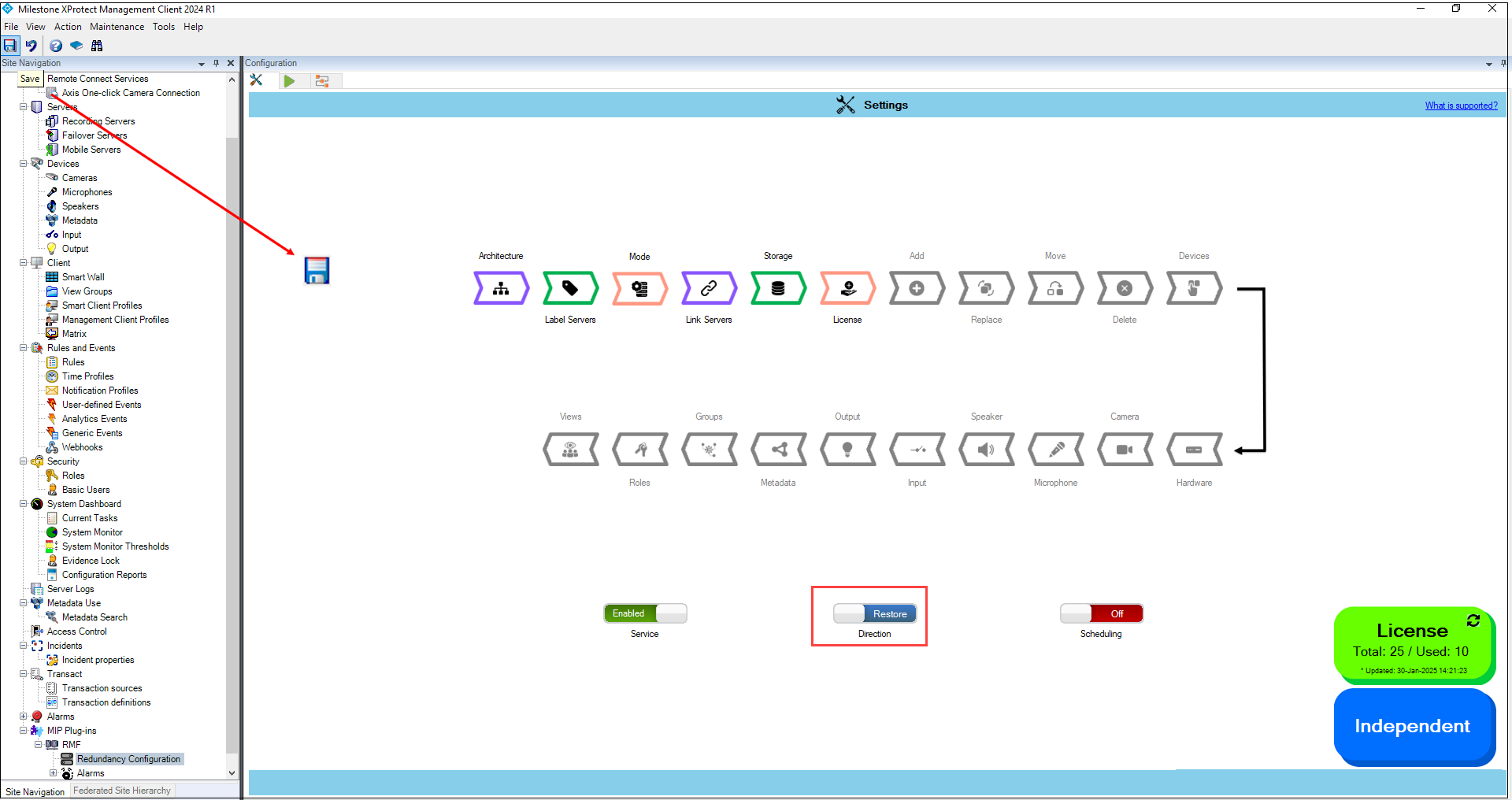
4. Click **Save** in the Milestone toolbar to save the changes.
Save Icon—Milestone Toolbar
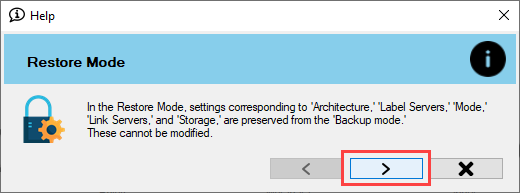
5. Click the **Next** arrow button on the screen that appears.
Restore Settings 1
{% hint style="info" %}
**Note:** The configuration settings set for Architecture, Label Servers, Mode, Link Servers, and Storage are retained from the Backup mode and cannot be modified in the **Restore** mode.
{% endhint %}
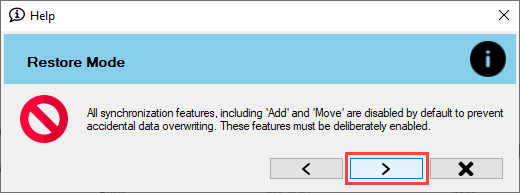
6. Click the **Next** arrow button on the screen that appears.
Restore Settings 2
{% hint style="info" %}
**Note:** To prevent inadvertent overwrites of primary configurations, all synchronization features, including Add and Move, are disabled by default. You'll need to enable these features manually each time you enter **Restore mode.**
{% endhint %}
7. Click the **Finish** button to acknowledge.