> For the complete documentation index, see [llms.txt](https://docs.vega365.com/llms.txt). Markdown versions of documentation pages are available by appending `.md` to page URLs; this page is available as [Markdown](https://docs.vega365.com/redundancy-management-framework/user-manual/installation/post-installation/validate-the-installation-of-rmf-smart-client-components.md).
# Validate the Installation of RMF Smart Client Components
Post-Installation procedure of RMF Client Components
Perform the following post-installation steps to verify that the RMF Client components are successfully installed.
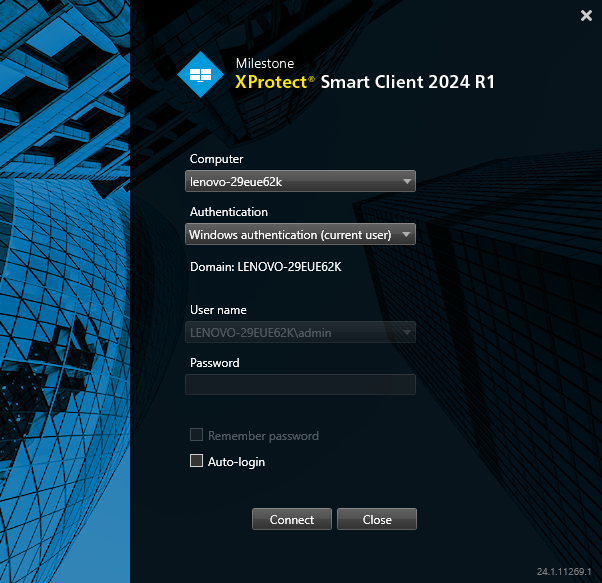
1. Launch the Milestone XProtect Smart Client **on the machine where the RMF Smart Client package is installed** and sign in to the application.
Milestone XProtect Smart Client Login
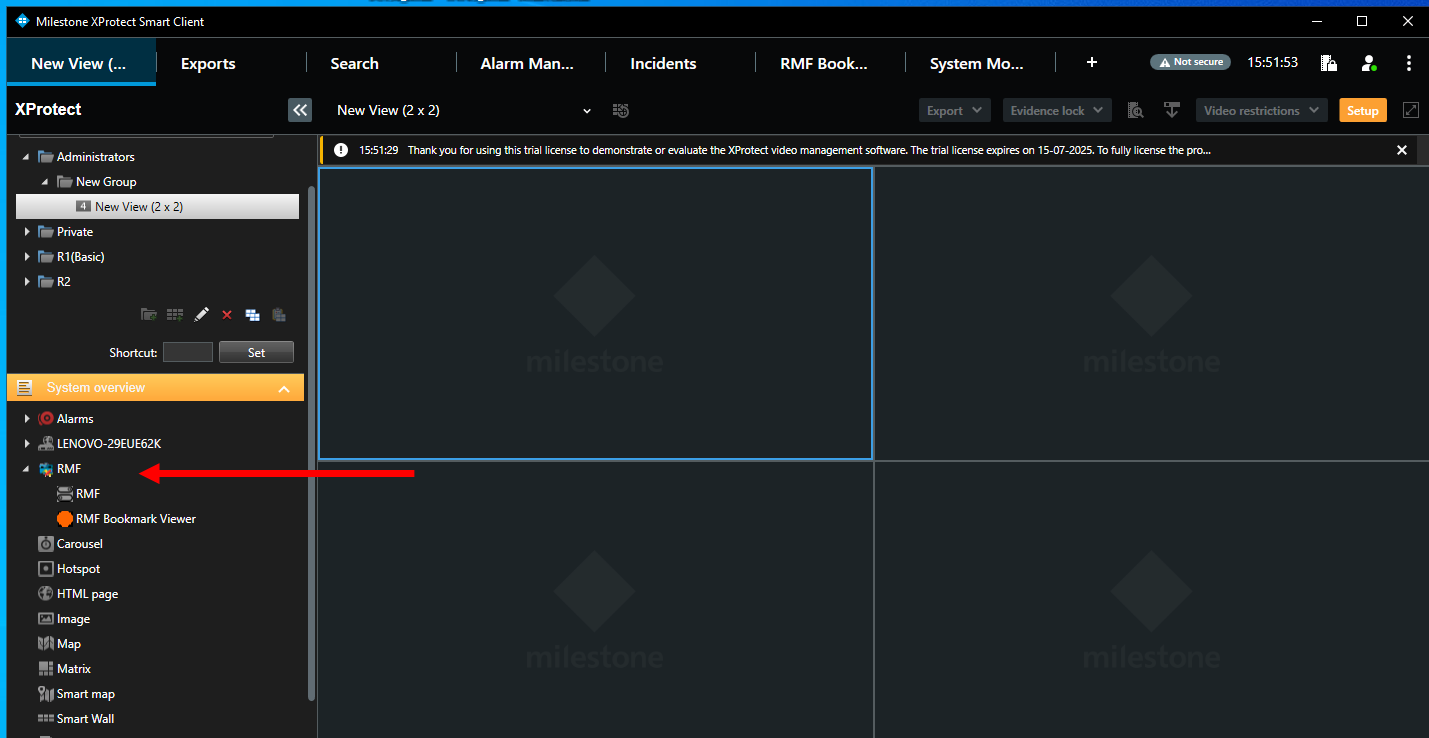
2. Verify that the newly installed plugin appears under the MIP SDK Tools tree in the Smart Client application.