> For the complete documentation index, see [llms.txt](https://docs.vega365.com/llms.txt). Markdown versions of documentation pages are available by appending `.md` to page URLs; this page is available as [Markdown](https://docs.vega365.com/redundancy-management-framework/user-manual/installation/silent-installation/rmf-client-silent.md).
# RMF Client (Silent)
This section describes the Silent installation procedure of RMF Smart Client.
Execute the following commands on the command prompt.
1. Complete all the steps as described in the [Pre-Installation](https://docs.vega365.com/redundancy-management-framework/user-manual/installation/pre-installation.md) section.
2. Navigate to the location where the RMF\_Installer.exe is available.
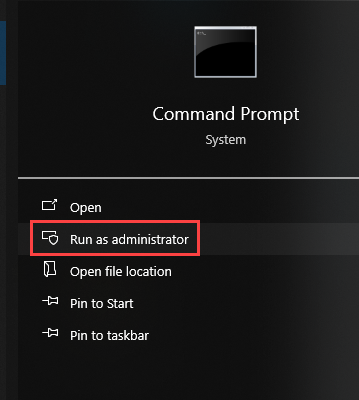
3. Start the "Command Prompt" with administrator privileges and navigate to the location \
where the setup is available.
Silent Installation Command Prompt
3. Execute the following commands to install RMF:
a. **Without RMF Bookmark Tab in the Smart Client:**
```
RMF_Installer.exe /exenoui /qn INSTALL_TYPE=SC
```
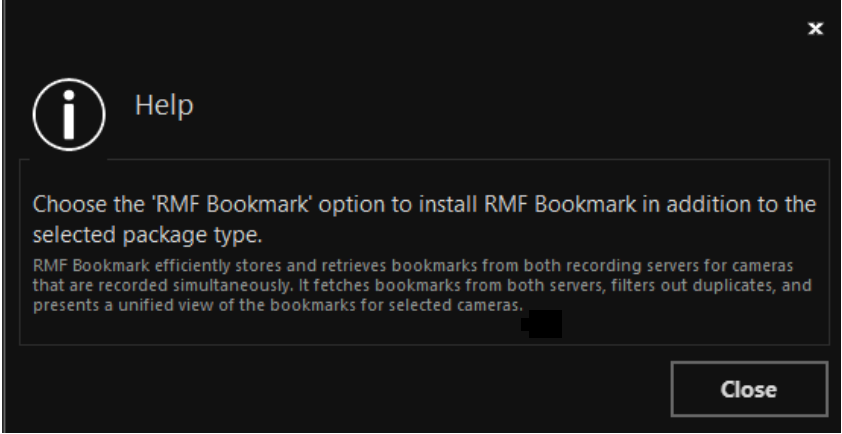
b. **With RMF Bookmark Tab in the Smart Client:**
```
RMF_Installer.exe /exenoui /qn INSTALL_TYPE=SC INSTALL_TYPE_SUB_BM=1
```