> For the complete documentation index, see [llms.txt](https://docs.vega365.com/llms.txt). Markdown versions of documentation pages are available by appending `.md` to page URLs; this page is available as [Markdown](https://docs.vega365.com/redundancy-management-framework/user-manual/workflows-dashboard/accessing-the-dashboard.md).
# Accessing the Dashboard
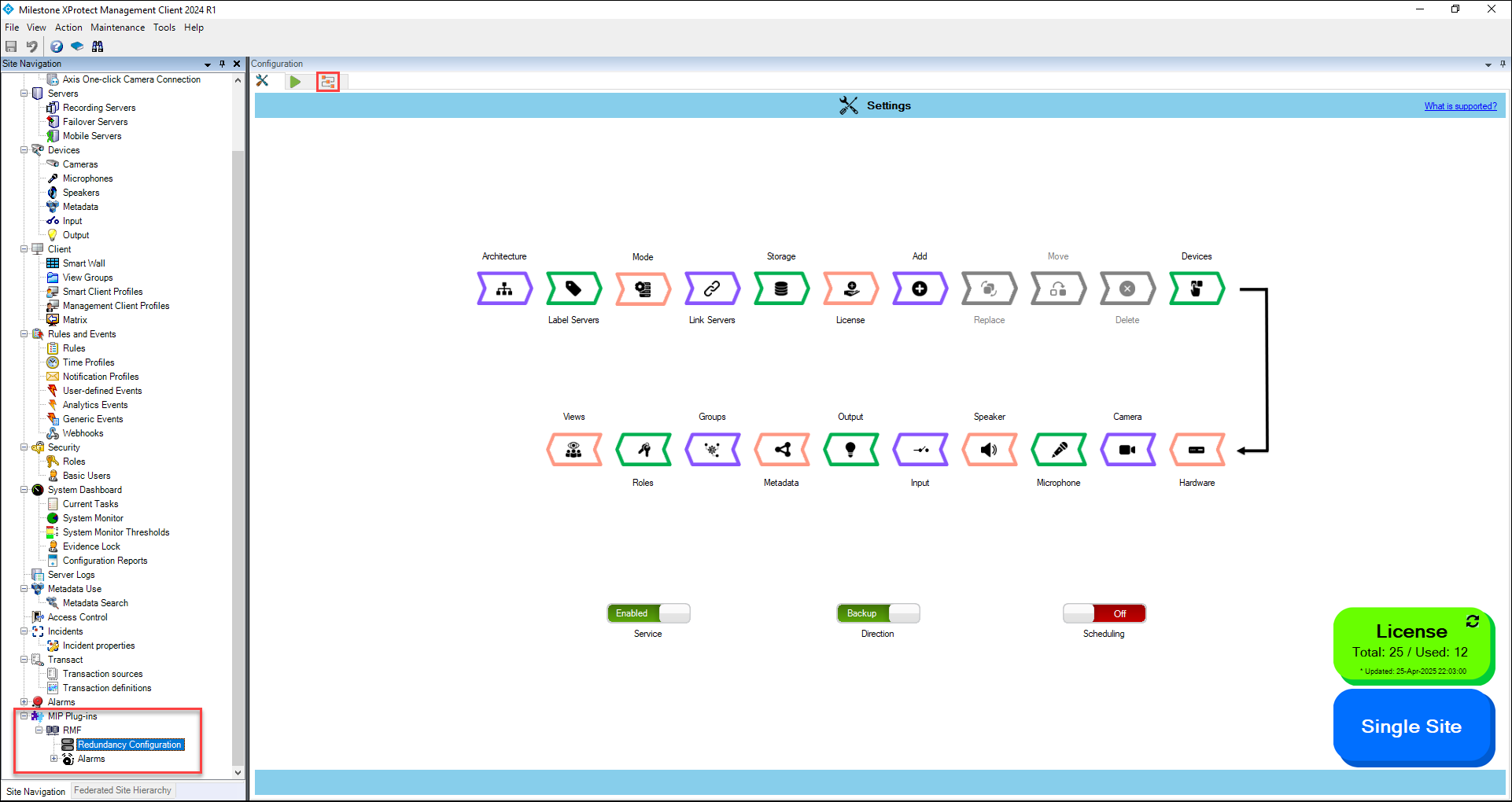
Getting there
To access the workflows dashboard, do the following steps.
1. Open the Milestone XProtect Management Client.
2. Navigate to **MIP Plug-ins** > **RMF** > **Redundancy Configuration**.
RMF Home Page
3. Click the Workflows tab on the RMF Information page.